 Generated with Grok
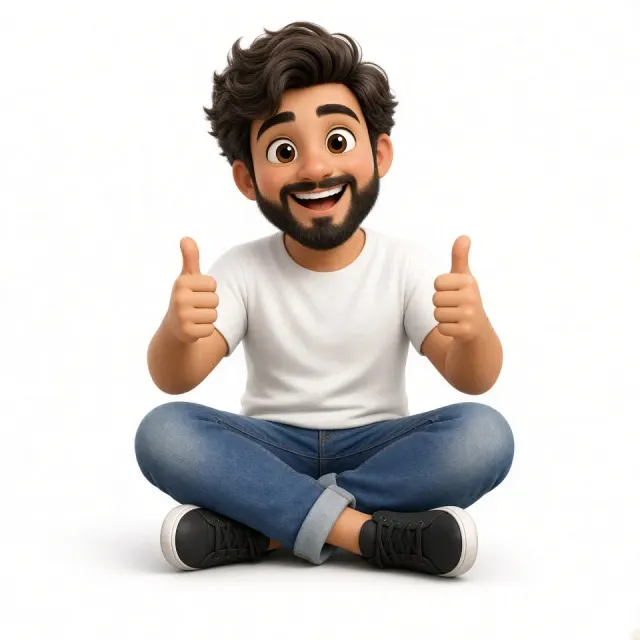
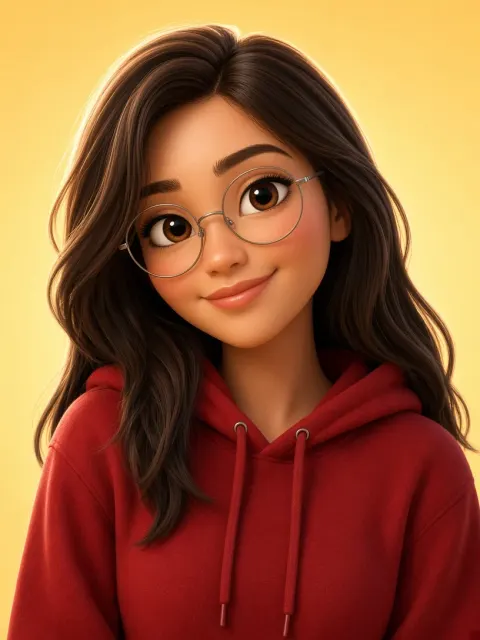
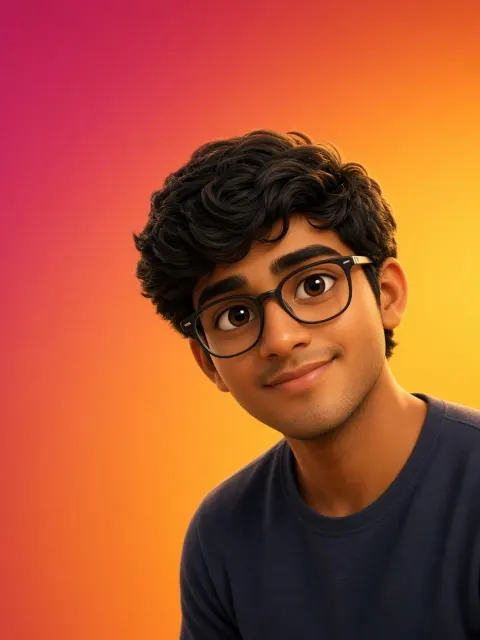
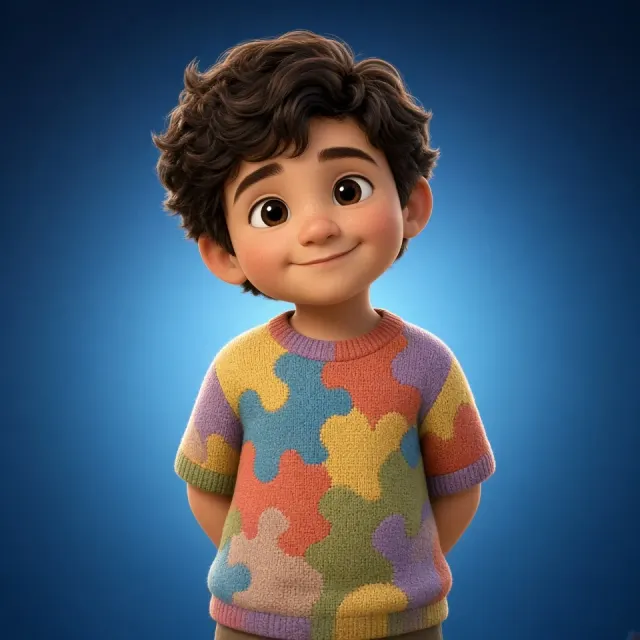
Friendly 3D Male Avatar
AI Art · Avatar · Cartoons & Animation · Character Design
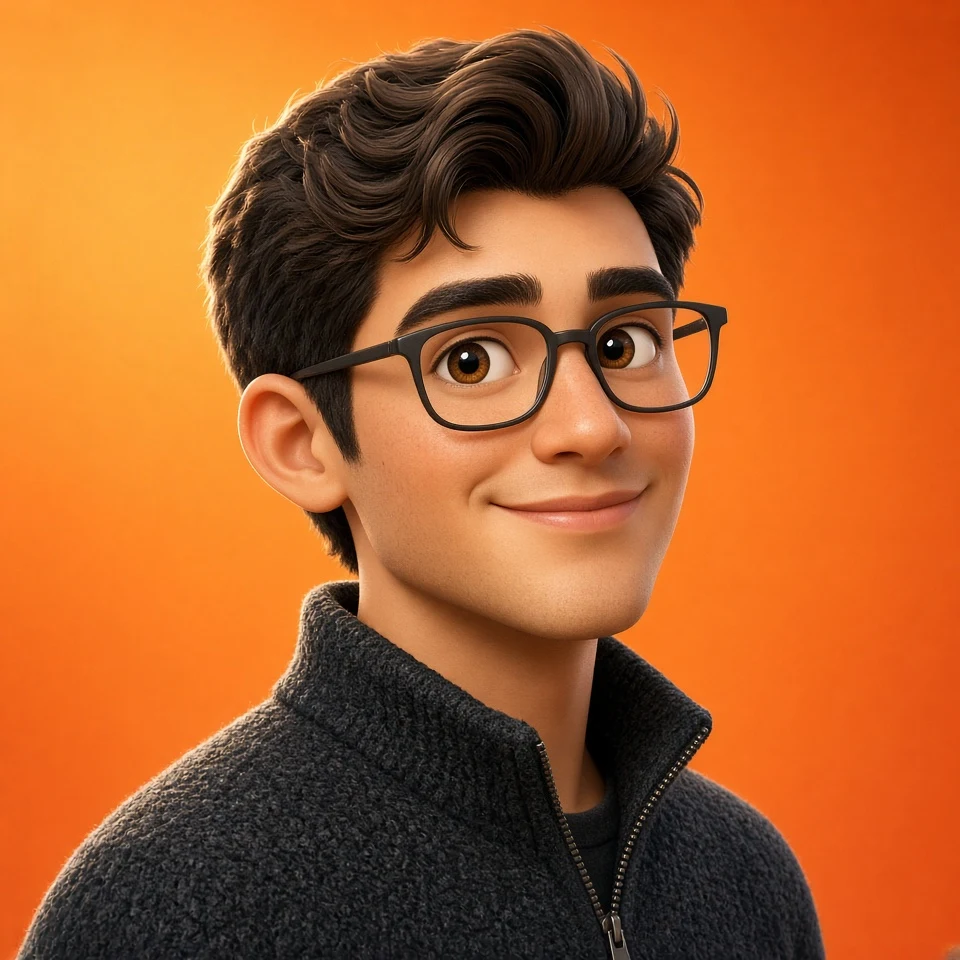
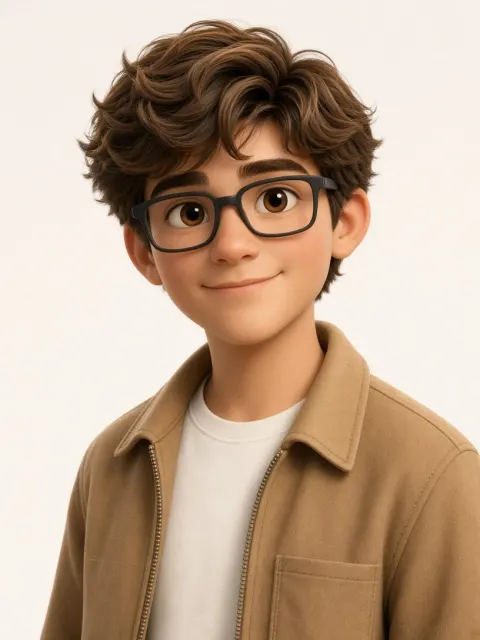
Use the uploaded image only as the identity reference. Preserve the subject’s recognizable facial structure, natural age group, hairstyle, hair color, and overall likeness. Keep children looking like children, adults like adults, and elderly subjects elderly. Preserve facial hair only when it exists in the reference, with the same density. Create a premium cute 3D animated movie-character avatar in a vertical portrait composition. Use a polished Pixar-style look with softly rounded facial forms, large warm expressive eyes, smooth stylized skin shading, detailed sculpted hair, crisp clean edges, and high-end cinematic 3D rendering. Make the subject charming and slightly cute through gentle facial proportions, soft eyes, and a natural smile, without making adults look childlike. Do not make the image semi-realistic, anime, chibi, plastic, or toy-like. Use a close near-front three-quarter pose, with the shoulders and head turned only slightly, around 15–20 degrees to one side. Keep the face mostly directed toward the viewer, with both eyes clearly visible and nearly equal in size. One cheek and ear may be slightly more visible than the other. Keep the upper body relaxed with a small natural shoulder angle. Do not turn the torso 30–45 degrees away from the camera, and do not create a stiff straight-on passport pose. Give the subject a soft, friendly, confident, slightly cute expression with a small closed-mouth smile. Keep the eyes warm and naturally focused toward the camera. Avoid an exaggerated smile, raised eyebrows, sharp eyes, or an overly mature serious expression. Use strict close avatar framing from mid-chest upward only. Crop the lower frame at mid-chest, never at the abdomen or waist. The head should appear large and dominant, with the top of the hair about 8–10% below the top edge. Let the shoulders extend close to both side edges with very little side space. The subject should fill most of the portrait canvas. Do not zoom out, show arms below the upper chest, or leave large empty background areas. Add neat matte black rectangular eyeglasses with medium-thick black frames, black temples, clear lenses, subtle reflections, and correct three-quarter perspective. Keep the glasses proportional to the face and clearly visible. Do not use gold, beige, transparent, or oversized frames. Dress the subject in a warm light camel-tan zip-front casual jacket with a broad soft collar, clean stitched seams, soft fabric texture, and a subtle chest pocket. Keep the jacket open over a plain off-white crew-neck T-shirt. Do not make it a button-front overshirt. Do not add multiple oversized flap pockets, military styling, or unnecessary buttons. Preserve the hairstyle and hair color from the reference, while rendering the hair with a full, rounded, premium animated 3D silhouette, clearly defined strands, soft volume, and natural flow. Keep a few soft loose strands near the forehead only when appropriate to the reference. Use a seamless white studio background with a very subtle cream-gray falloff. No text, logo, icon, sparkle, watermark, props, or decorative elements. Use soft warm studio lighting from the upper-left, gentle front fill on the face, subtle shadows under the chin and jacket collar, and delicate golden highlights along the hair and outer jacket edge. Final result: a close, polished, cute animated avatar with a large face, compact chest-up composition, slight near-front three-quarter pose, black rectangular glasses, warm tan zip jacket, and clean white studio background.